

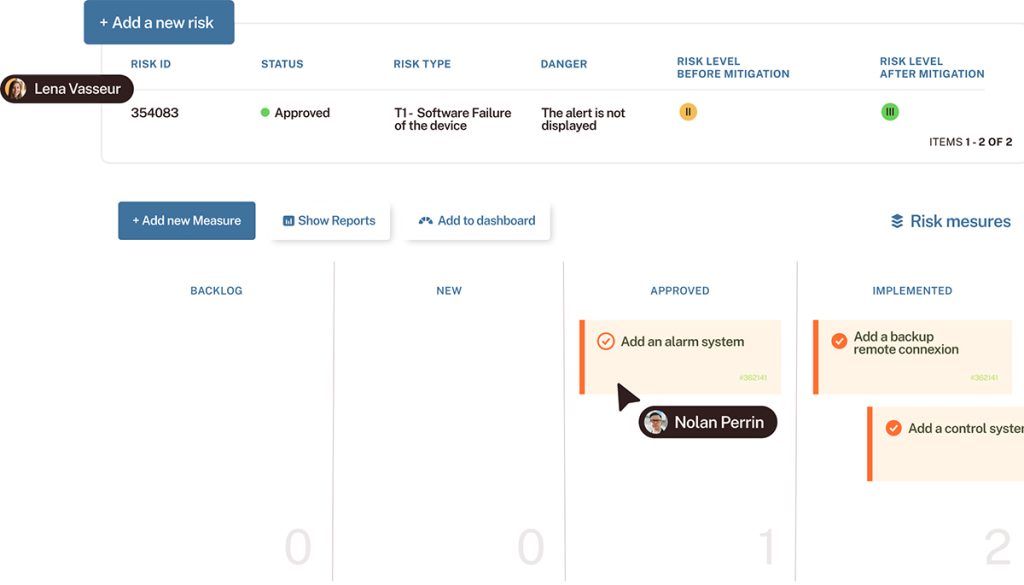

Want to leverage the high flexibility of Tuleap Trackers?
Let’s see how to import your issues from Jira to Tuleap and start creating your own tailor-made workflow.
For a better understanding of Tuleap versus Jira
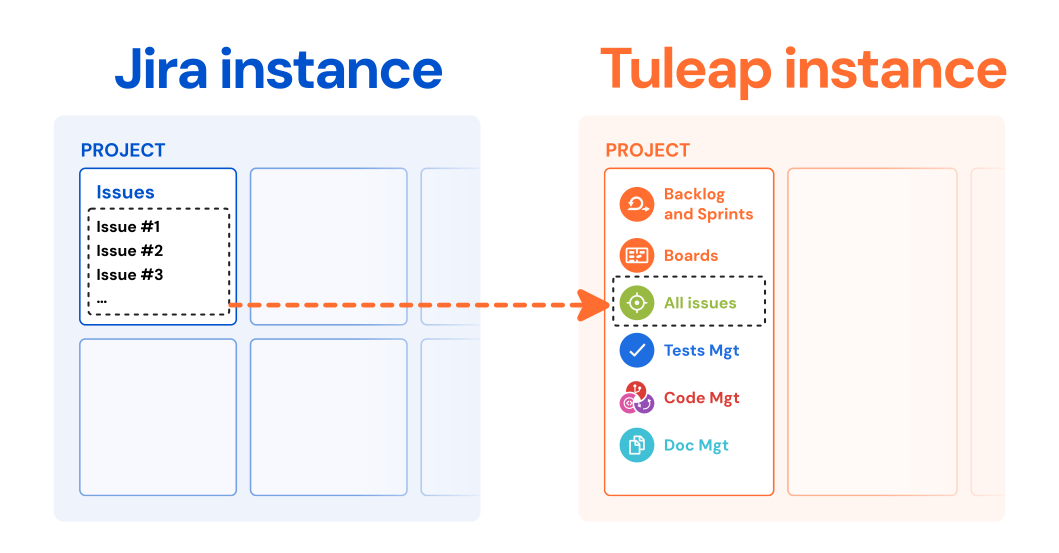
Before starting, it is important you have in mind the differences of features between Tuleap and Jira (see Tuleap versus Jira), and the differences of concepts between Jira and Tuleap, (“one issue” in Jira ≠ “one tracker” in Tuleap).
Keep in mind Tuleap is much more than issue and project tracking. One “project” in Tuleap is a full-featured agile and devops workspace; it does not mean the same in Jira, which is more a collection of issues.
This article shares how to import one issue type at a time from Jira to Tuleap. For a global view of import and migration capabilities from Jira Software, read rather the article: implementing a smooth and secure migration from Jira to Tuleap. In all cases, our experts are here for you.
Importing issues from Jira is as easy as 1-2-3
Take a look at the video to see how easy and fast it is to import data from Jira to Tuleap:
4 steps for the import
- Users make their email addresses publicly readable in Jira
- In Tuleap, Jira project administrator imports issues creating a new tracker
- Tuleap automatically imports Jira issues replicating a very large number of fields (text, string, date, select box, radio, status…), attachments, comments and history
- Tuleap maps Jira users and Tuleap users (creator, updater, users in field values…)
Take a look at the Tuleap documentation if needed.
Want to go further?
Now, do more than just issue tracking
Any successful product launch involves collaboration across all teams as the work moves from ideation through execution. So software teams need more than a bug and issue tracker. Tuleap provides native integration with agile management, development and testing tools for end-to-end traceability. This is why Tuleap is a top alternative to Jira and Atlassian tools as it is an all-in-one solution for Agile Management and DevOps.
Now you’ve made the transition, start managing projects in Tuleap as if you’ve simply been using it this whole time. Adapt your issue workflow, create reports and agile charts… and go ahead with DevOps tools as well.
Need a more complete import?
If you have several Jira projects to move, you can migrate all your issues, projects settings and agile boards to Tuleap with the dedicated plugin. In a complementary article, we are sharing how to import your multiple Jira projects into Tuleap.
Need a complete multi-project migration?